Remote work bookkeeping has become a necessity for many businesses. The shift to distributed teams has created new challenges in managing financial records and processes.
At Optimum Results Business Solutions, we’ve seen firsthand how companies struggle to adapt their bookkeeping practices to remote environments. This guide will show you how to effectively manage your finances from anywhere, using the right tools and strategies.
Essential Tools for Remote Bookkeeping
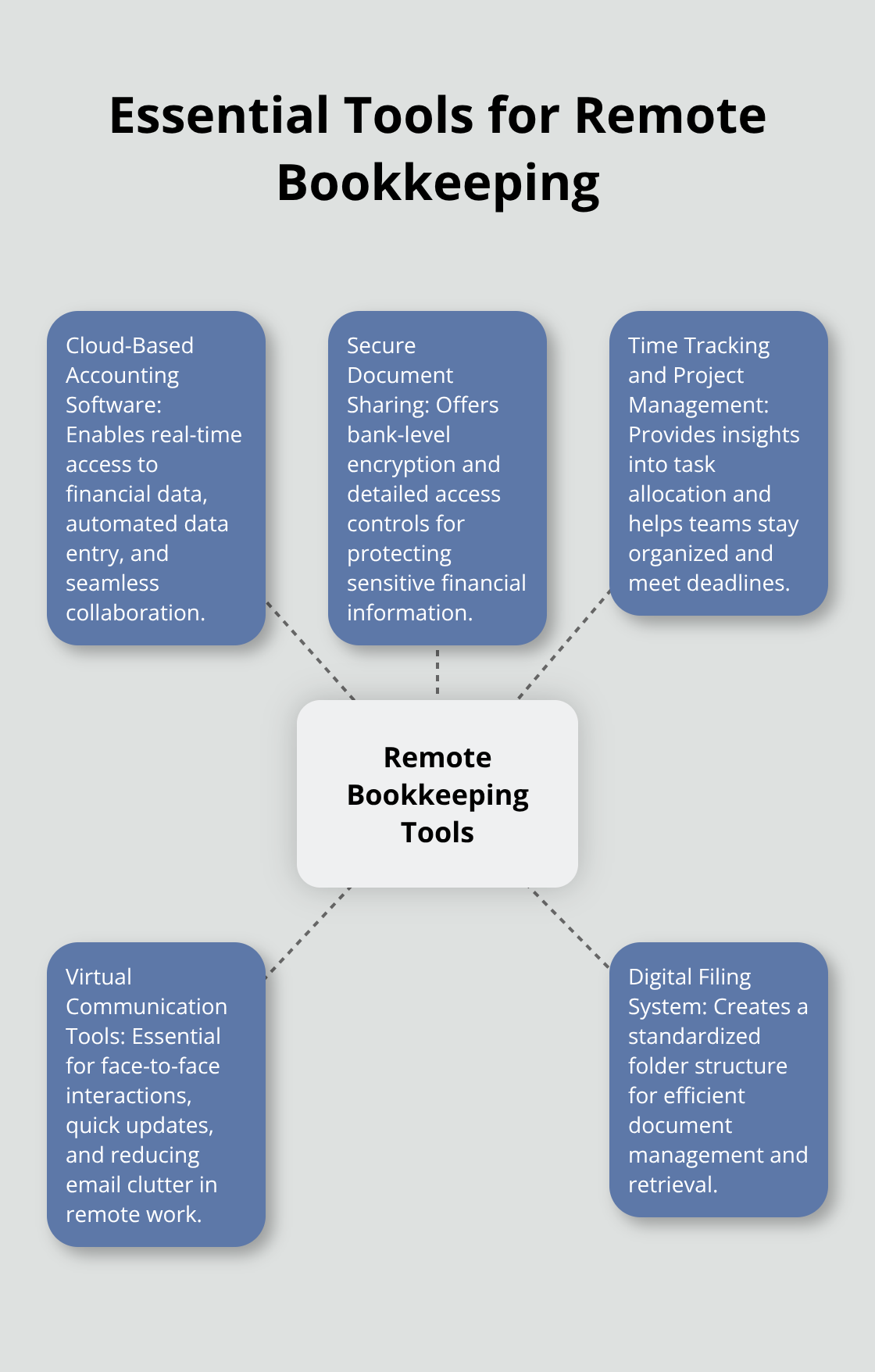
Remote bookkeeping demands a robust set of digital tools to maintain accuracy, efficiency, and security. We’ve identified key software categories that form the backbone of effective remote financial management.
Cloud-Based Accounting Software
Cloud-based accounting software serves as the cornerstone of remote bookkeeping. Key benefits include automated data entry, real-time financial insights, and seamless collaboration with other online tools. These platforms enable real-time access to financial data from any location, which facilitates collaboration between team members and clients.
Secure Document Sharing
The protection of sensitive financial information takes top priority. We recommend encrypted file-sharing services like Box or Dropbox Business. These platforms offer bank-level encryption and detailed access controls, which ensures that only authorized personnel can view confidential documents.
Time Tracking and Project Management
Accurate time tracking proves crucial for billing and productivity analysis. Tools like Harvest or Toggl Track (which integrate with most accounting software) provide detailed insights into task time allocation. For project management, Asana or Trello help teams stay organized and meet deadlines effectively.
Virtual Communication Tools
Clear communication acts as the lifeline of remote work. Virtual communication tools are essential for producing the best results, whether as a solo worker or as part of a team. Video conferencing tools (such as Zoom or Microsoft Teams) are essential for face-to-face interactions with clients and team members. For quick questions and updates, instant messaging platforms like Slack can significantly reduce email clutter and speed up decision-making processes.
The implementation of these tools creates a solid foundation for remote bookkeeping operations. However, success hinges on how well your team adapts to and utilizes these technologies. Regular training and updates on best practices will maximize the benefits of your digital toolkit.
As we move forward, let’s explore the best practices that will help you leverage these tools effectively and streamline your remote bookkeeping processes.
Streamlining Remote Bookkeeping Workflows
At Optimum Results Business Solutions, we have refined our remote bookkeeping practices to maximize efficiency and accuracy. Our experience shows that a well-structured approach is key to success in virtual financial management.
Create a Digital Filing System
A robust digital filing system forms the backbone of effective remote bookkeeping. We recommend a standardized folder structure that mirrors traditional paper-based systems. This structure should include separate folders for income, expenses, bank statements, and tax documents. Naming conventions play a vital role – use clear, consistent file names that include dates and relevant identifiers.
For example, invoice files might follow this format: “YYYY-MM-DD_ClientName_InvoiceNumber”. This system allows for quick retrieval and reduces the risk of misplaced documents. Cloud storage solutions like Google Drive or Dropbox work well for this purpose, offering both accessibility and security.
Schedule Regular Check-ins
Consistent communication is vital in remote work environments. Schedule brief daily check-ins with your bookkeeping team. These 15-minute meetings can cover current tasks, potential roadblocks, and upcoming deadlines. For client-facing roles, weekly or bi-weekly update calls keep everyone aligned on financial goals and progress.
Tools like Zoom or Microsoft Teams facilitate these meetings effectively. However, it’s important to balance communication with productivity. Avoid excessive meetings that could interfere with actual bookkeeping tasks.
Automate Repetitive Processes
Automation transforms remote bookkeeping. Many routine tasks can be streamlined using features built into accounting software or through third-party integrations. For instance, setting up bank feeds in QuickBooks Online can automatically import and categorize transactions, saving hours of manual data entry.
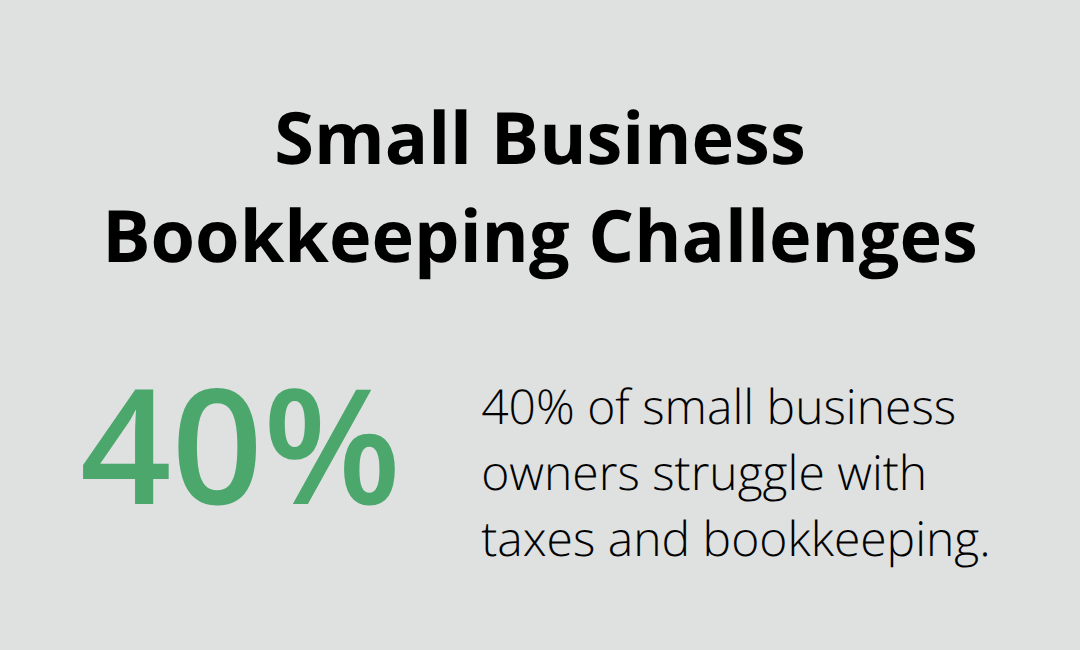
Did you know that 40% of small business owners struggle with taxes and bookkeeping? Outsourcing these tasks can save them 41 hours a year. Other tasks suitable for automation include invoice generation, recurring bill payments, and financial report creation. However, it’s important to regularly review automated processes to ensure accuracy and catch any anomalies.
Enhance Security Measures
Security is paramount in remote bookkeeping. Implement strong password policies (use complex passwords and change them regularly) and enable two-factor authentication for all financial software and communication tools. Train your team on best practices for data protection, including how to identify and avoid phishing attempts.
Foster a Culture of Continuous Learning
The remote bookkeeping landscape evolves rapidly. Encourage your team to stay updated on the latest tools and best practices. Provide resources for ongoing education, such as webinars, online courses, or subscriptions to industry publications. This investment in knowledge will pay dividends in improved efficiency and accuracy.
As we move forward, let’s explore how to overcome common challenges that arise in remote bookkeeping environments. These strategies will help you navigate potential pitfalls and maintain smooth operations, regardless of your team’s physical location.
Navigating Remote Bookkeeping Hurdles
Remote bookkeeping presents unique challenges that require strategic solutions. We have developed effective strategies to overcome these obstacles and maintain smooth financial operations.
Fortify Data Security
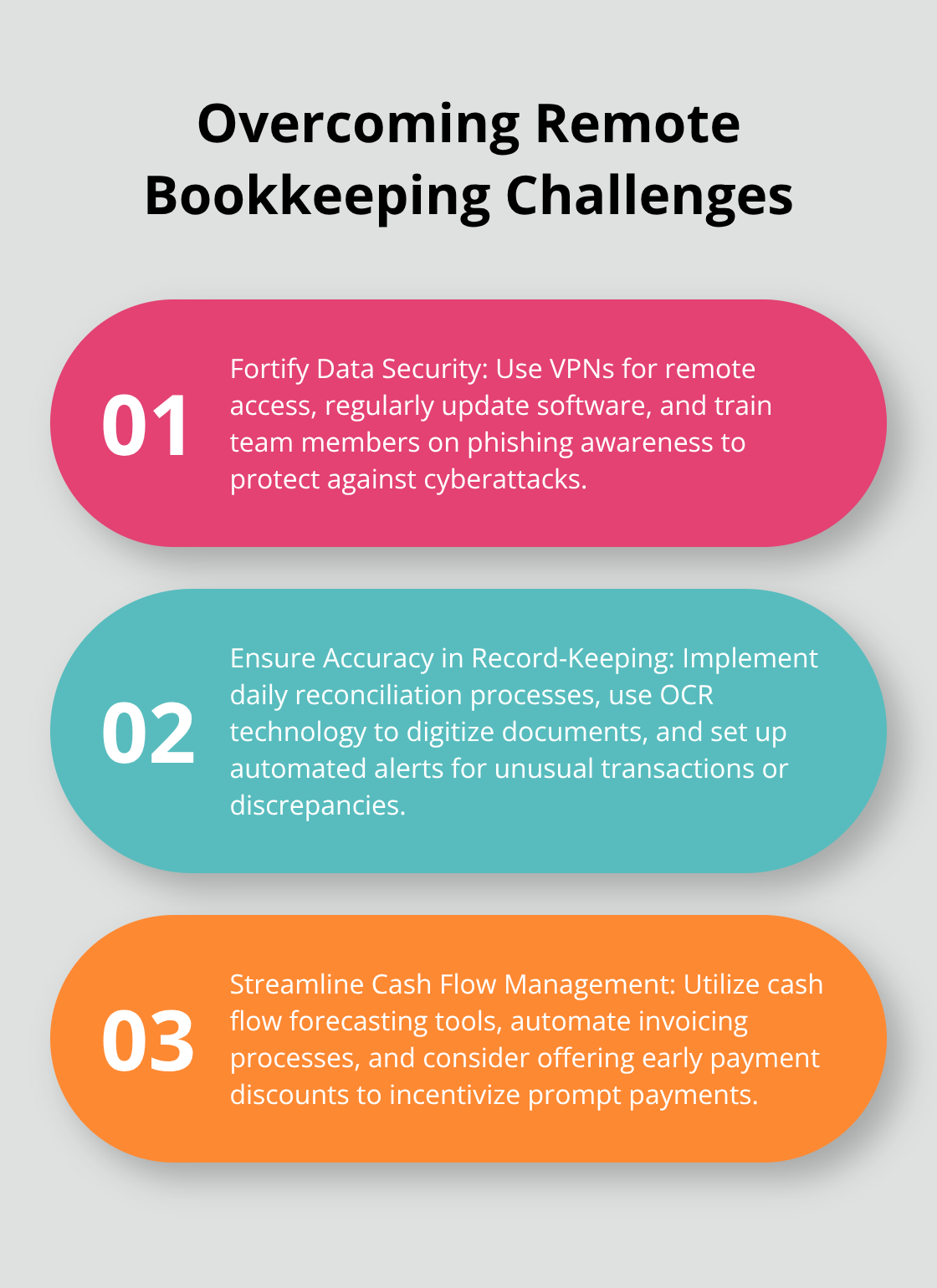
Data security is a top priority in remote bookkeeping. Use Virtual Private Networks (VPNs) for any remote access to accounting systems. This encrypts data transmission and masks the true location of users. Update and patch all software regularly to protect against vulnerabilities. Train your team on phishing awareness to protect against cyberattacks.
Ensure Accuracy in Record-Keeping
Maintaining accurate records remotely demands a structured approach. Implement daily reconciliation processes to catch discrepancies early. This includes dividing tasks, setting approval steps, and checking reconciliation data regularly. These measures prevent errors, spot fraud, and enhance financial accuracy. Use optical character recognition (OCR) technology to digitize receipts and invoices, which reduces manual data entry errors. Set up automated alerts for unusual transactions or discrepancies in financial data.
Streamline Cash Flow Management
Remote work can complicate cash flow management. Use cash flow forecasting tools to anticipate future financial needs. Automate invoicing processes to ensure timely billing. Consider offering early payment discounts to incentivize prompt payments.
Bridge Time Zone Gaps
Working across time zones requires thoughtful scheduling. Use tools like World Time Buddy to visualize overlapping work hours. Schedule asynchronous check-ins using video messages or detailed email updates. Establish clear response time expectations for urgent financial matters. When possible, create overlapping work hours to facilitate real-time collaboration on critical tasks.
Leverage Technology Solutions
Technology plays a vital role in overcoming remote bookkeeping challenges. Invest in robust cloud-based accounting software (such as QuickBooks Online or Xero) that allows real-time collaboration and data access. Implement secure file-sharing platforms (like Dropbox Business or Box) to ensure safe document exchange. Use project management tools (e.g., Asana or Trello) to track tasks and deadlines effectively.
Final Thoughts
Remote work bookkeeping has revolutionized financial management for businesses. Cloud-based accounting software, secure document sharing, and effective communication tools enable companies to maintain accurate financial operations from any location. Success depends on clear protocols, task automation, and robust data security measures.
The future of bookkeeping will likely bring more advanced tools for collaboration, automation, and data analysis. This shift will allow bookkeepers to focus on strategic financial planning rather than routine data entry. Technology will continue to evolve, making remote bookkeeping more accessible and efficient.
Optimum Results Business Solutions offers expert services for small service-based businesses and tech startups. We provide customized solutions, including QuickBooks Online ProAdvisor support, payroll administration, and sales tax management. Our team ensures compliance with regulations while helping businesses enhance their financial management and decision-making processes.